01 · Integrations & connectors
Connect existing systems.
Connectors provide access to information and permitted actions in existing systems. What is available depends on the integration, permissions and product scope.
Core
Recognise connections, carry work forward and build on it for new tasks: evoliq Core makes the world of your company usable.
 concernsapplies toamendsanswershandlesworks on
How evoliq is built
AI needs access to your knowledge and the functions of your systems. It needs to understand what belongs together in your field and where the work stands. Integrations, industry modules, Core and applications provide this foundation together.
Schematic real estate example: connectors, domain entities, Core and applications.
01 · Integrations & connectors
Connectors provide access to information and permitted actions in existing systems. What is available depends on the integration, permissions and product scope.
02 · Industry modules
Industry modules describe the entities, relationships and work patterns of a field. This gives knowledge the meaning that matters for your work.
03 · Core
Core records which information belongs together, where it comes from and where the work stands. Different applications and agents access this context.
04 · Applications, agents & API
People work with evoliq in applications. Agents handle defined tasks. APIs allow other applications to access product capabilities with the same company context.
Connections
Core connects information to its industry context. This helps evoliq understand what the work concerns and what the next task builds on.
Identity & relationships
Origin & status
Working together
Industry context
Industry modules give evoliq the domain model for your field. Terminology, relationships and ways of working become part of the AI.

Clarify questions about your portfolio and trace the answers in the relevant documents.

Resolve customer questions, prepare replies and continue handling cases with the work done so far.

Assign documents to a matter, clarify questions with source references and prepare further work.
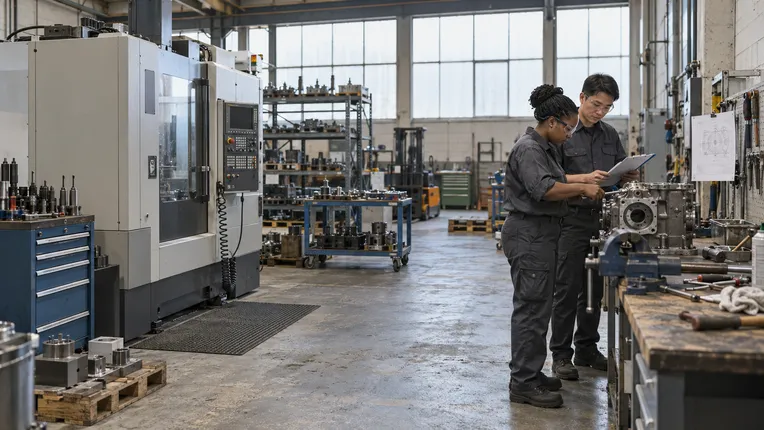
Use existing equipment and plant knowledge in support, documentation and proposals.
Your next idea
Get to know evoliq. Talk to us about your field and the tasks you would like to tackle with evoliq.
Get in touch